Documents to data, written down.
Guides to getting structured data out of documents in a form you can check: the method, the schema for each document type, and the numbers that come back.

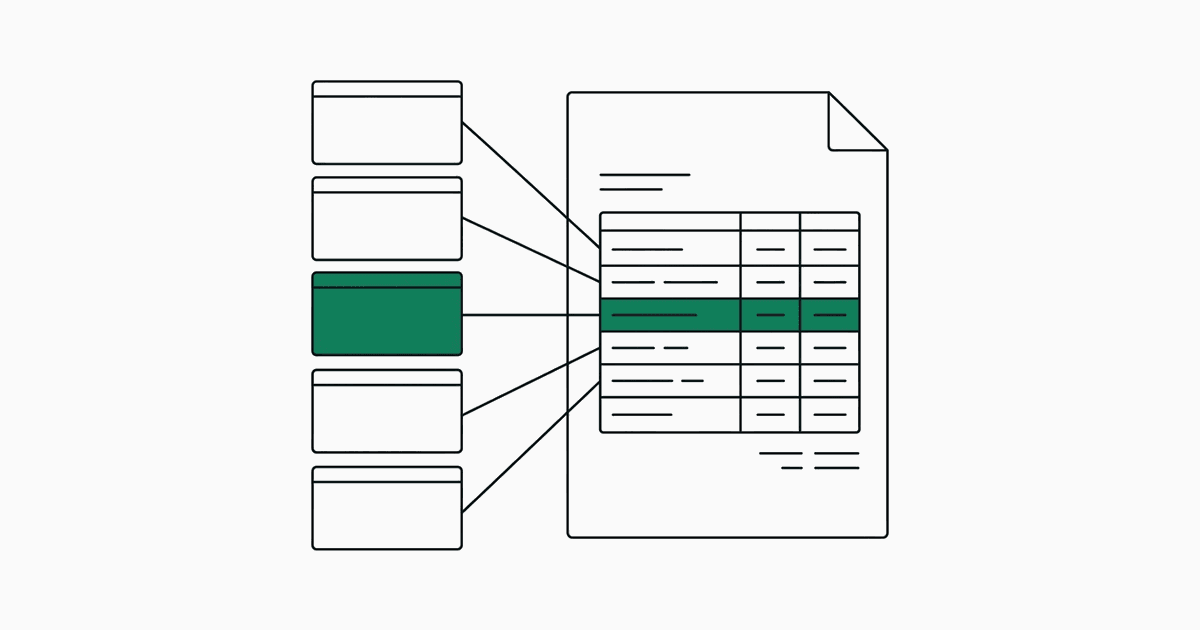
PDF data extraction without generation: choosing spans instead of writing JSON
Most PDF extractors ask an LLM to write JSON. jextract has a model choose a span that already exists on the page. How that works and what it changes.
 · 6 min read
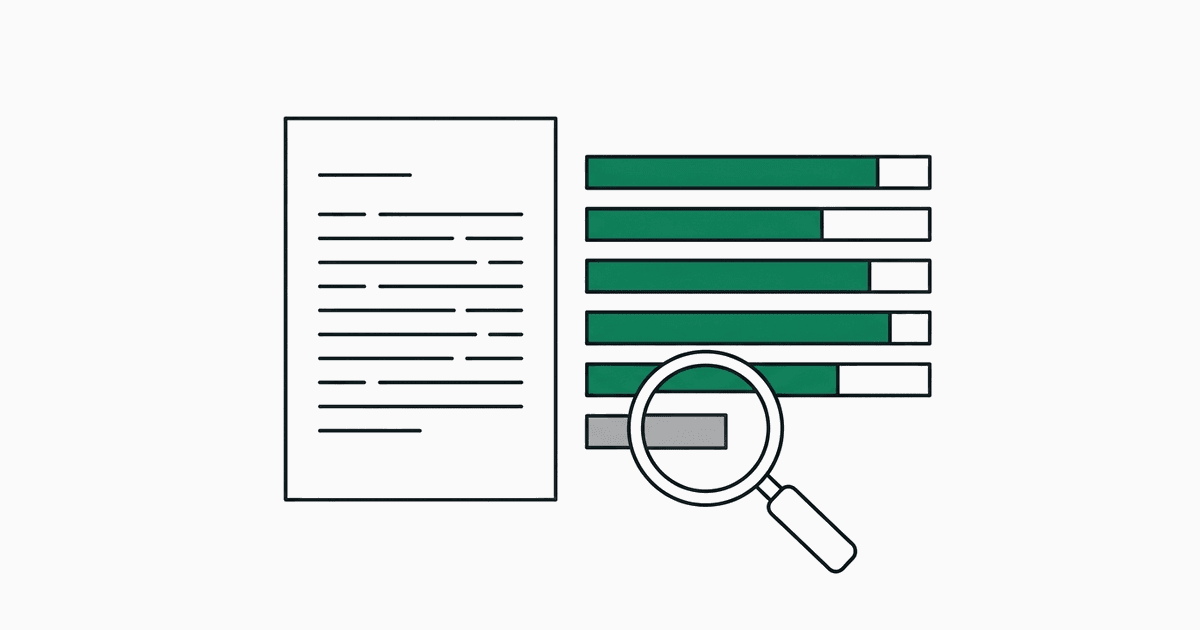
How to write a taxonomy for invoice extraction
A taxonomy is the list of fields you want from a document. This guide covers field types, descriptions, hints and enums, with a working invoice example.
 · 5 min read
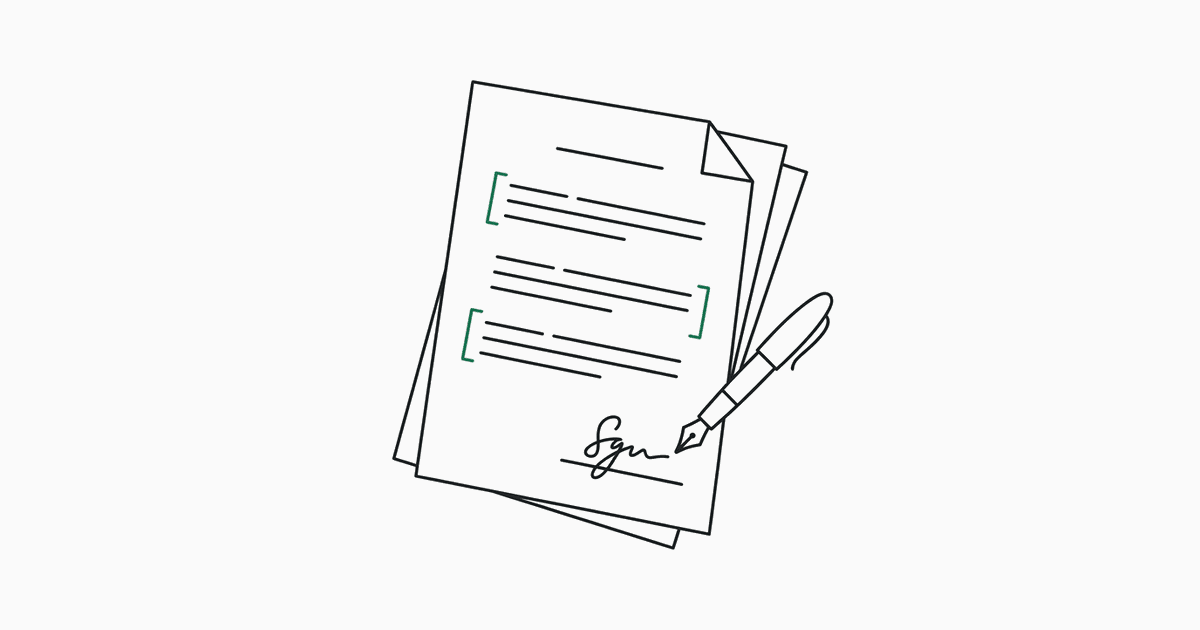
What a confidence score means in document extraction
A confidence of 0.94 should mean something you can act on. How jextract computes confidence and what low-confidence and absent mean.
 · 5 min read
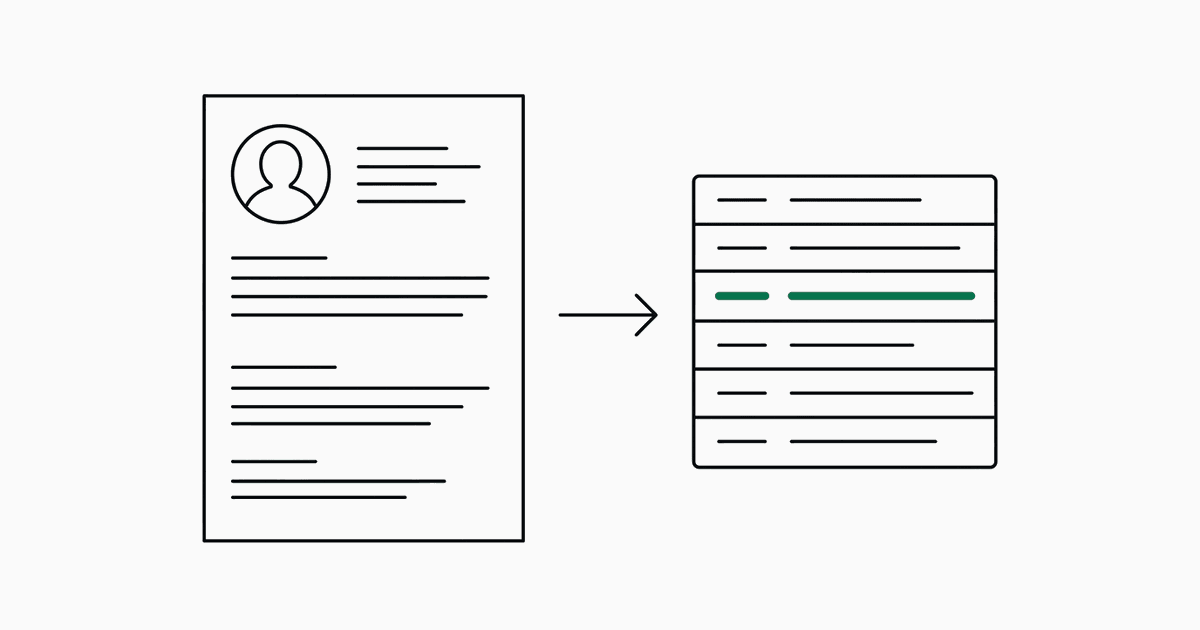
Contract data extraction: pulling parties, dates and terms from agreements
Which contract fields extract cleanly, which do not, and how to set up a taxonomy for parties, dates, fees, notice periods and governing law.
 · 4 min read
Résumé parsing with a taxonomy: structured candidate data from PDFs
How to turn a résumé PDF into structured fields: contact details, current role, experience and expectations, with the cases that need a human look.
 · 4 min read
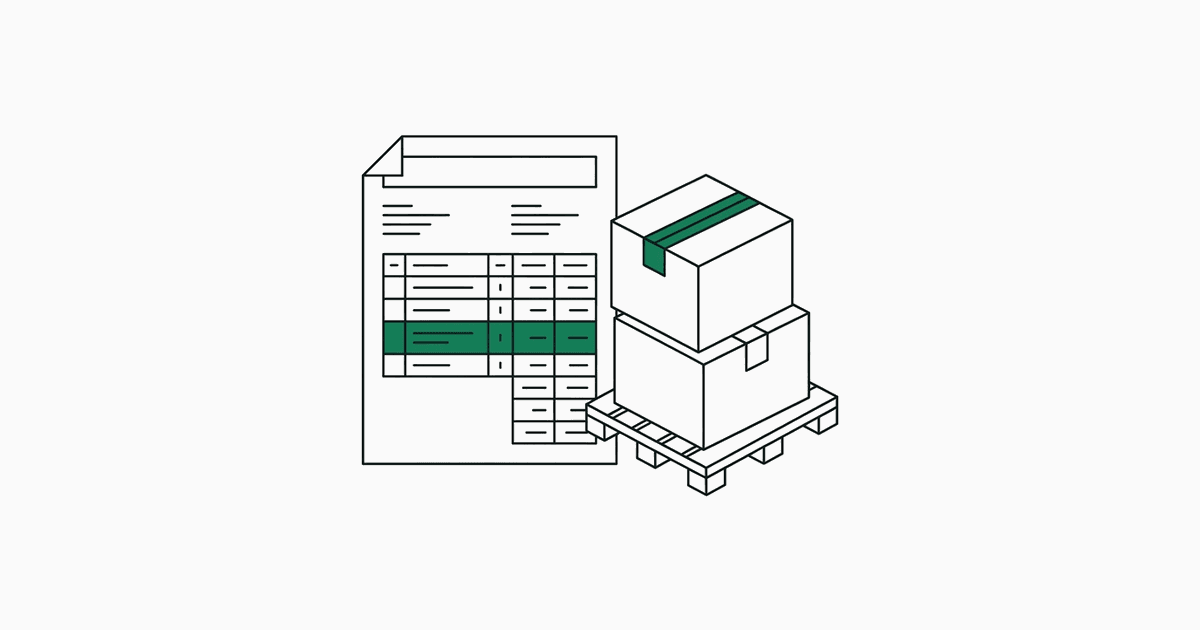
Purchase order extraction: PO numbers, parties, totals and delivery terms
A practical field list for purchase order extraction, how to keep buyer and supplier apart, and what to do about line items.
 · 4 min read
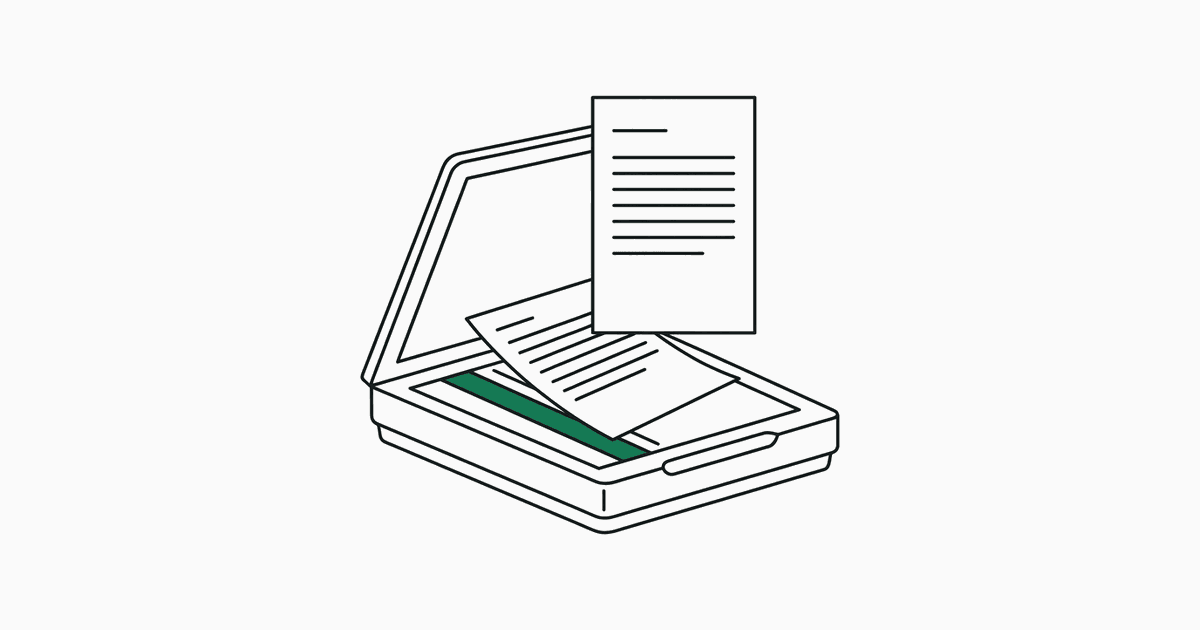
Extracting data from scanned PDFs: when to turn OCR on
Text PDFs and scanned PDFs behave differently. What OCR adds, what it costs in speed and accuracy, and how to tell which kind of file you have.
 · 4 min read
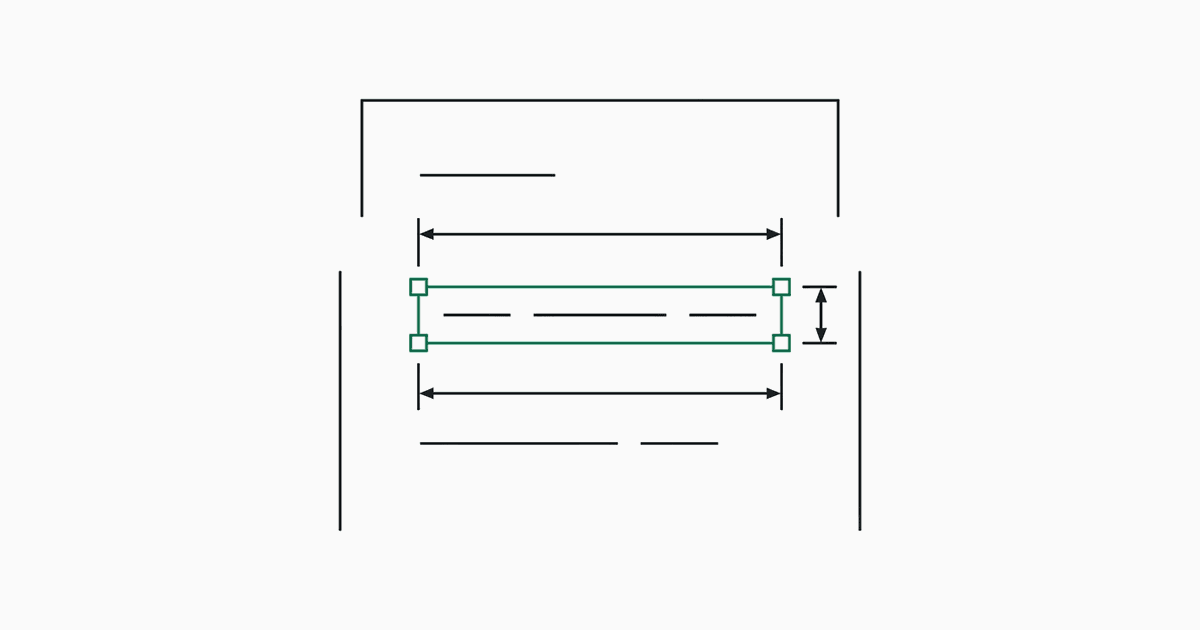
Why every extracted value should come with a bounding box
A bounding box turns an extracted value from a claim into something you can check. What the box is, how it is produced and how to use it in review.
 · 5 min read
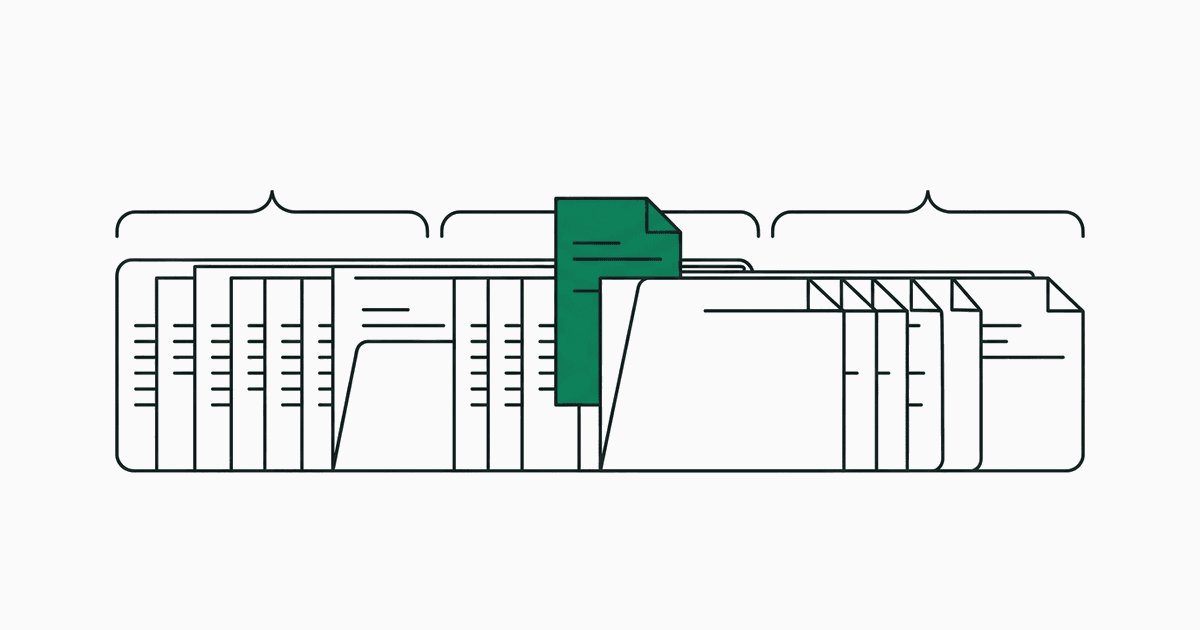
Extracting fields from long documents: chunks, windows and parallel search
How a 40-page PDF is searched without stuffing it into one prompt: chunking by layout, windows of about 22k tokens, and a locate step that runs in parallel.
 · 5 min read
PDF extraction API: from curl to structured JSON
A working guide to the jextract API: one multipart request, preset or custom taxonomies, streaming or plain JSON, and what every part of the response means.
Which guide answers your question?
Each guide opens with a short answer. Here is that answer for every guide, grouped by what you are trying to do.
How the method works
- PDF data extraction without generation: choosing spans instead of writing JSON
Extraction without generation means the model never writes a value.
- What a confidence score means in document extraction
In jextract, a field's confidence is the probability the model gave to the chosen span, multiplied by the probability that the field is present in the document at all.
- Why every extracted value should come with a bounding box
A bounding box is the rectangle on the page where a value was read: a page number plus x, y, width and height in page points.
- Extracting fields from long documents: chunks, windows and parallel search
jextract splits a document into chunks of nearby lines, groups the chunks into windows of about 22k tokens, and asks Jev to locate every field in each window in parallel.
Extract one document type
- How to write a taxonomy for invoice extraction
A taxonomy is a list of fields, each with an id, a name, a one-sentence description and a type.
- Contract data extraction: pulling parties, dates and terms from agreements
Contract fields that are a short span on the page extract well: party names, effective and end dates, fee amounts, notice periods in days, governing law and signatories.
- Résumé parsing with a taxonomy: structured candidate data from PDFs
Define the candidate fields you need as a taxonomy, and jextract returns each one as a span from the résumé with a confidence and a bounding box.
- Purchase order extraction: PO numbers, parties, totals and delivery terms
For a purchase order, extract the PO number, order and delivery dates, buyer, supplier, order total, currency, payment terms and shipping method as single fields.
Scans and the API
- Extracting data from scanned PDFs: when to turn OCR on
A text PDF already contains its characters and positions, so it parses in milliseconds.
- PDF extraction API: from curl to structured JSON
Send one multipart POST to /api/extract with a PDF and a taxonomy.