Résumé parsing with a taxonomy: structured candidate data from PDFs
Published , 4 min read
Short answer
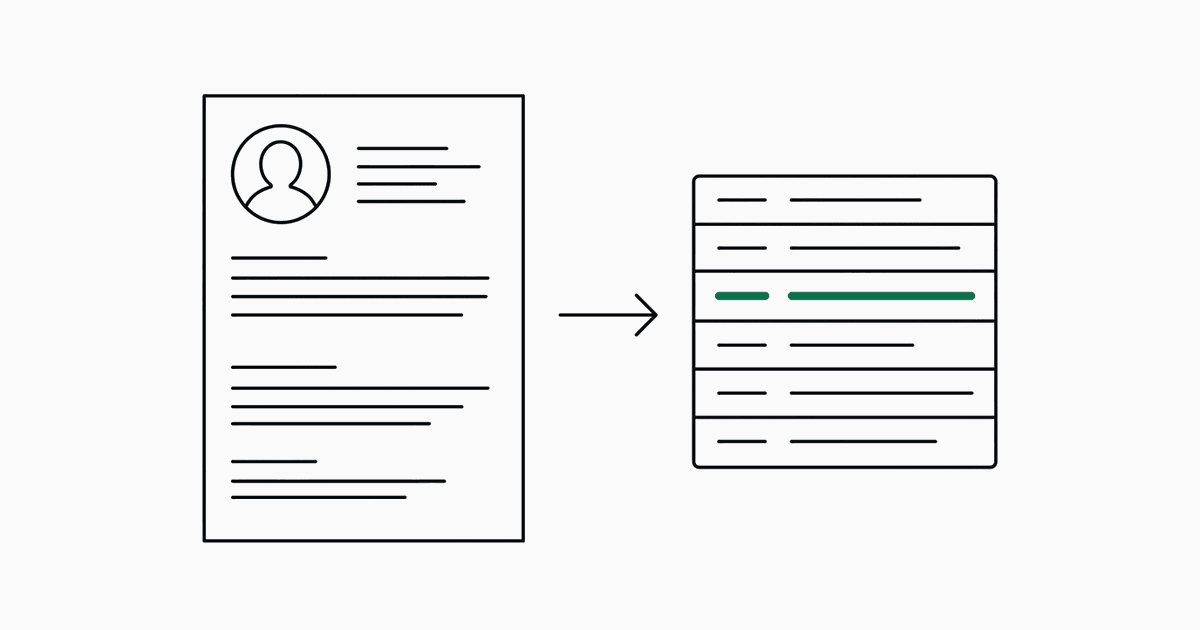
Define the candidate fields you need as a taxonomy, and jextract returns each one as a span from the résumé with a confidence and a bounding box. Email, phone, name, location and degree extract cleanly. Fields that depend on interpretation, such as the current job title, are the ones to review.
Which fields does the résumé preset return?
Twelve: full name, email, phone, location, current title, current employer, years of experience, highest degree, skills, notice period, expected compensation and whether the candidate is open to relocation.
Why do field types matter so much on a résumé?
A résumé is dense with look-alike text. Typing a field narrows what it can be chosen from.
emailandphoneare cut by pattern, so the candidate list is usually one or two items long.moneyfor expected compensation means the field competes only with amounts, not with every number on the page.booleanfor relocation is judged from the sentence that mentions it and returns yes or no.stringfor name, employer and degree is chosen from proper-noun phrases and label and value splits.
Where do résumés go wrong?
- Current title against headline. Many résumés open with a headline ("Senior engineer, payments") that differs from the title of the most recent job. Say which one you want in the description.
- Two-column designs. When a sidebar and the main column are read as one line, values from both can merge.
- Years of experience that are never stated. If the number is not printed, the right result is absent, not a guess.
- Image-only PDFs exported from design tools. Turn OCR on for those.
What happens when a field is not on the résumé?
Most résumés leave out notice period and expected compensation. Every locate question includes "none" as an option, so those fields come back with status absent instead of a look-alike value. That is what makes the output safe to load into an applicant tracking system without a person checking every row.
How do I try it?
curl -s https://jextract.com/api/extract \
  -F "file=@candidate.pdf" \
  -F "taxonomy=resume" \
  -F "stream=0"
Or open the app and pick the sample résumé. Documents are processed in memory and are not stored.
Questions
Does it work on any résumé layout?
Single-column text résumés work best. Two-column designs can merge lines across columns, and image-only PDFs need OCR turned on, which is slower and less accurate than text PDFs.
Can I add my own candidate fields?
Yes. Edit the preset in the app or send your own taxonomy as JSON. Each field needs an id, a name, a one-sentence description and a type.
Are uploaded résumés stored?
No. Documents are processed in memory and not stored. A shared run link keeps the extracted values and boxes, not the document.