PDF extraction API: from curl to structured JSON
Published , 5 min read
Short answer
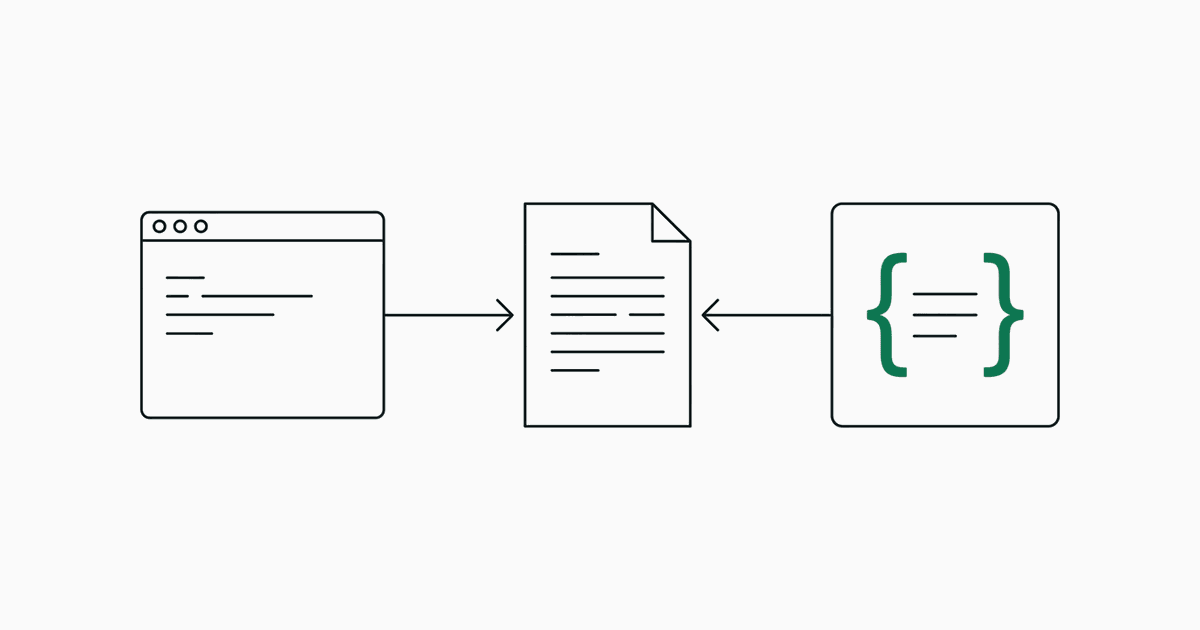
Send one multipart POST to /api/extract with a PDF and a taxonomy. Add stream=0 for a single JSON response. You get a flat data object keyed by field id, plus per-field detail: the span, a normalised value, confidence, page, bounding box, status and the candidates it was chosen from.
What is the smallest request that works?
curl -s https://jextract.com/api/extract \
  -F "file=@invoice.pdf" \
  -F "taxonomy=invoice" \
  -F "stream=0"
file is the PDF, up to 8 MB and 40 pages. taxonomy is a preset id: invoice, contract, resume or purchase_order.
Which options are there?
| Form field | Value | Effect |
|---|---|---|
file | A PDF | The document to read |
taxonomy | Preset id or JSON | The fields to extract |
stream | 0 | Return one JSON object instead of server-sent events |
ocr | 1 | Recognise scanned pages (slower) |
refine | 0 | Skip the round that trims free-text spans |
How do I send my own fields?
Pass a JSON object as the taxonomy field. Each field needs an id, name, type and description; enums also need options.
curl -s https://jextract.com/api/extract \
  -F "file=@policy.pdf" \
  -F "stream=0" \
  -F 'taxonomy={
    "name": "Insurance policy",
    "fields": [
      { "id": "policy_number", "name": "Policy number", "type": "id",
        "description": "The policy identifier" },
      { "id": "premium", "name": "Annual premium", "type": "money",
        "description": "Total premium per year" },
      { "id": "renews", "name": "Auto-renews", "type": "boolean",
        "description": "Whether the policy renews automatically" }
    ]
  }'
What comes back?
{
  "document": { "name": "invoice.pdf", "pages": 1, "chunks": 5 },
  "fields": [
    { "fieldId": "total", "text": "$4,149.39", "value": 4149.39,
      "confidence": 0.99, "page": 1,
      "bbox": { "x": 480, "y": 421, "width": 62, "height": 12 },
      "status": "found",
      "candidates": [ { "text": "$4,149.39", "p": 0.99 } ] }
  ],
  "data": { "invoice_number": "NW-2026-0912", "total": 4149.39, "currency": "USD" },
  "timing": { "parseMs": 4, "locateMs": 173, "pickMs": 158, "totalMs": 337 },
  "usage": { "requests": 2, "inputTokens": 9132, "costUsd": 0.00038 }
}datais the part to store: one normalised value per field id. Dates are ISO strings, amounts are numbers.fieldsis the part to review: the printed span, confidence, position and the alternatives.statusisfound,low-confidenceorabsent. Absent fields have no value.timingandusagereport what the run took. The example above is a run with the refine round off.
When should I use streaming?
Leave stream unset when a person is watching. The response is then a server-sent event stream that reports each stage as it finishes: parsed, located, picked, refined, and finally done with the full result, or error with a message. For a backend job, stream=0 is simpler.
What should my code handle?
- A 400 response when the taxonomy is missing or is not valid JSON with a
fieldsarray. - Fields with status
absent: check the status before reading the value. - Fields with status
low-confidence: route them to review with the bounding box. - Scanned files that return few or no fields: retry with
ocr=1.
The API tab in the app has the same examples next to a live run.
Questions
What format does the API accept?
PDF files up to 8 MB and 40 pages, sent as multipart form data along with a taxonomy. Scanned PDFs need ocr=1.
Does the API return JSON or a stream?
Both. By default it streams server-sent events so an interface can show each stage. With stream=0 it returns the final result as one JSON object.
How do I get just the values?
Read the data object in the response. It is keyed by field id and holds one normalised value per field, without the review detail.