Why every extracted value should come with a bounding box
Published , 4 min read
Short answer
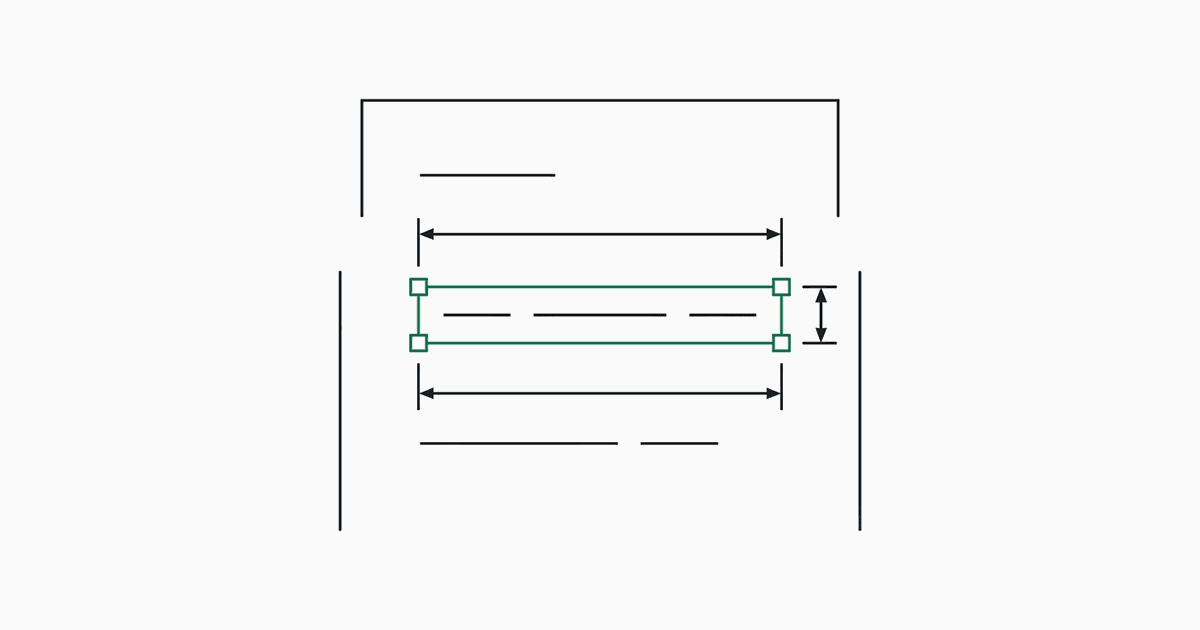
A bounding box is the rectangle on the page where a value was read: a page number plus x, y, width and height in page points. It lets a reviewer check a field by looking at one highlighted spot instead of searching the document. jextract returns one for every picked value because values are chosen from positioned text, never written.
What is a bounding box in extraction output?
It is where on the page the value sits. In jextract each field carries a page and a bbox, and the response also gives each page's size so the box can be drawn at any zoom.
{
  "fieldId": "supplier_name",
  "text": "Northwind Traders Ltd.",
  "page": 1,
  "bbox": { "x": 400, "y": 50, "width": 121, "height": 12.3 }
}
Coordinates are in page points, measured from the top-left corner. The sample invoice page is 612 by 792 points, so this box sits near the top right.
Why does it matter?
- Review gets fast. Confirming a highlighted span takes a second. Finding the value in a twelve-page document does not.
- Disputes get short. When a number is questioned, the box shows where it came from.
- Errors get obvious. A total whose box sits on the subtotal row is wrong at a glance, without reading the amount.
- Duplicates get resolved. The same date can appear three times on a page; the box says which occurrence was used.
How is the box produced?
The parser keeps the position of every text item. Lines are rebuilt from those items and split into segments at wide gaps, so a label and its value each keep their own box. Candidates are cut from those lines, and when one is chosen, its box is already known. Nothing is located after the fact by searching for the text.
That is the difference from a generated answer. A model that writes a value has no position to report, and matching its text back to the page fails exactly when the model changed a character.
Which fields do not get a tight box?
Enum and boolean fields are judged from context, not picked as spans. Their box is the chunk the judgment was based on, which is the right thing to show a reviewer: the passage that led to "USD" or "yes".
How should I use boxes in my own interface?
- Render the page image, or the PDF itself, at a known scale.
- Multiply the box by your scale divided by the page size from the response.
- Draw the rectangle, and scroll it into view when a field is selected.
- Show the field's candidates beside it, so a reviewer can pick the right one when the first choice is wrong.
The hero on the home page does this with a real run: point at a field and its box lights up on the page.
Questions
What units are the bounding boxes in?
Page points, with x and y measured from the top-left corner of the page. The response includes each page's width and height so boxes can be scaled to any rendering.
Do generated (LLM-written) values have bounding boxes?
Not natively. A model that writes a value has no position for it, so tools match the text back to the page afterwards, which breaks when the written value differs from what is printed.
Do shared runs include the boxes?
Yes. A shared run keeps the extracted values and their boxes, but not the document itself.